

Play a piece. Maestro listens
and writes down every note.
Free and open source.
Runs on your own computer.
Every note,heard.
Play a piece the way you’d play it for your teacher. Maestro listens to every note and checks it against the score, then hands the piece back marked: what went well, and which measures to practise next.
You play.
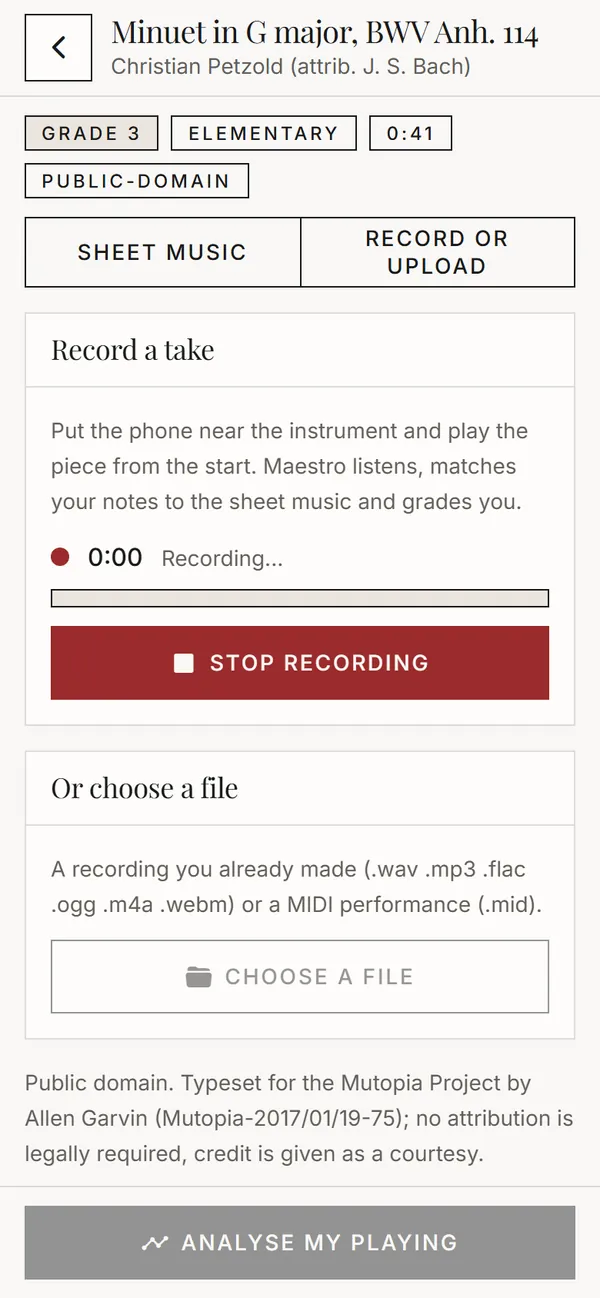
Record yourself, or bring a recording you already have. Any common audio file works, and so does MIDI from a digital piano.
Maestro listens.
It writes down every note you played and lines it up with the score, note against note, so it knows exactly where you were.
The score comes back marked.
A grade, then scores for notes, rhythm and dynamics, then every measure marked: wrong notes, missed notes, extra notes and timing that drifted.
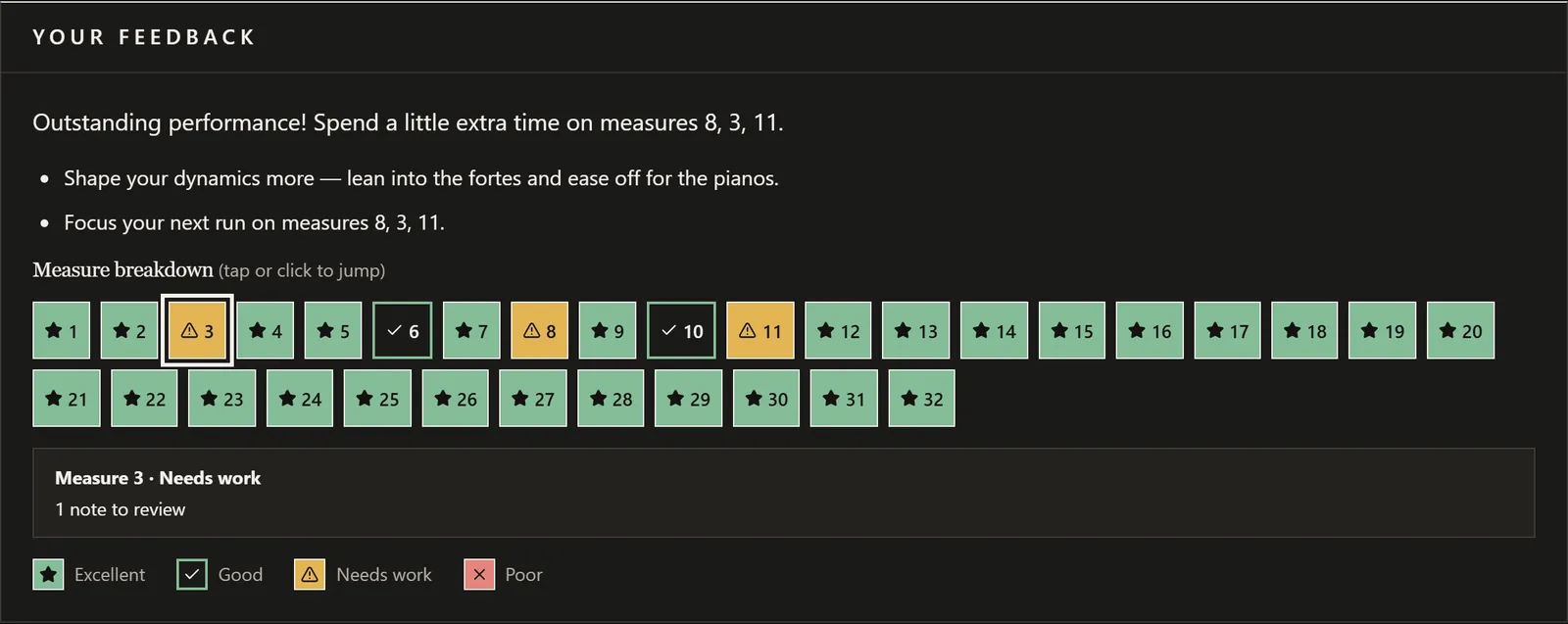
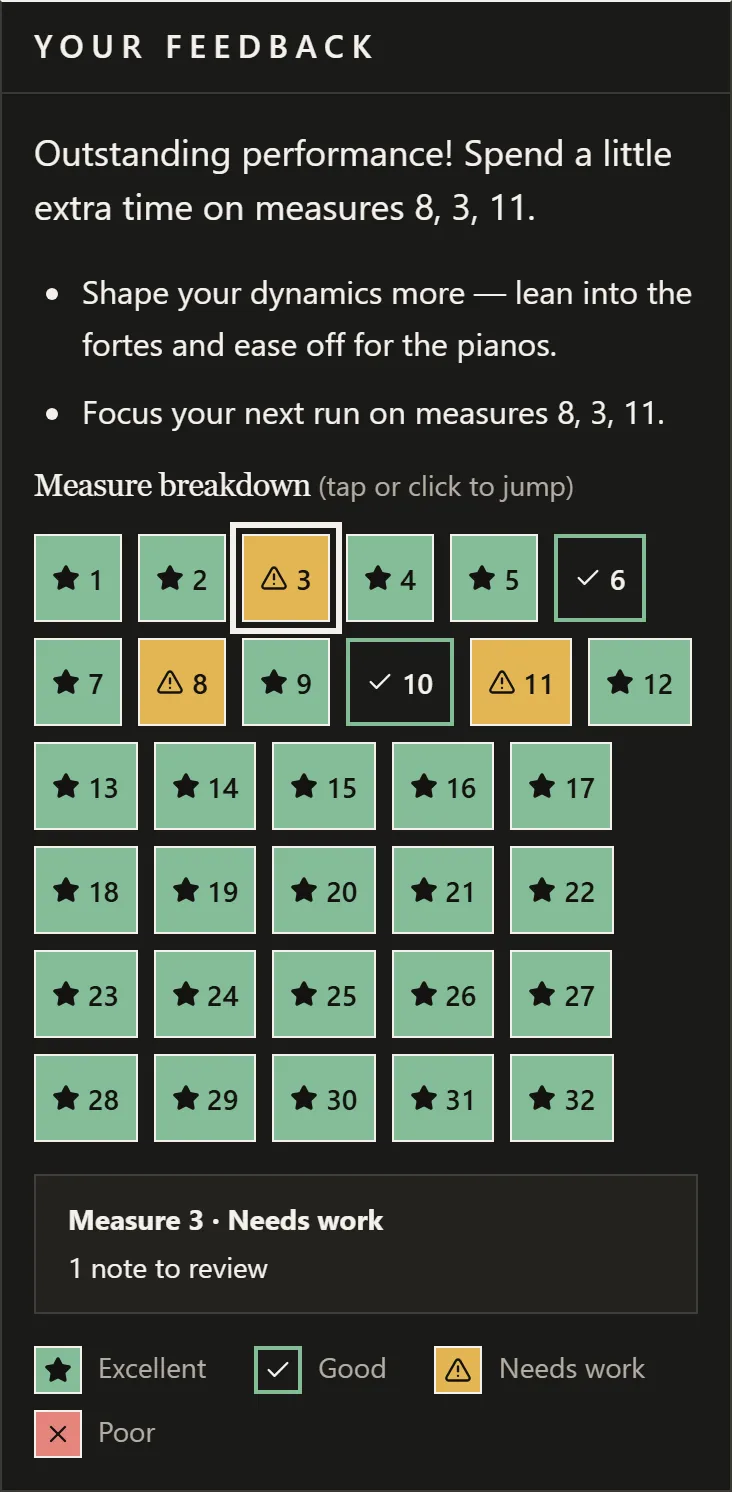
Piano is the best supported instrument today. Violin, voice, guitar and bass are still experimental, and grades are being tuned against real recordings, so treat them as a guide for now.
Your ownpage turner.
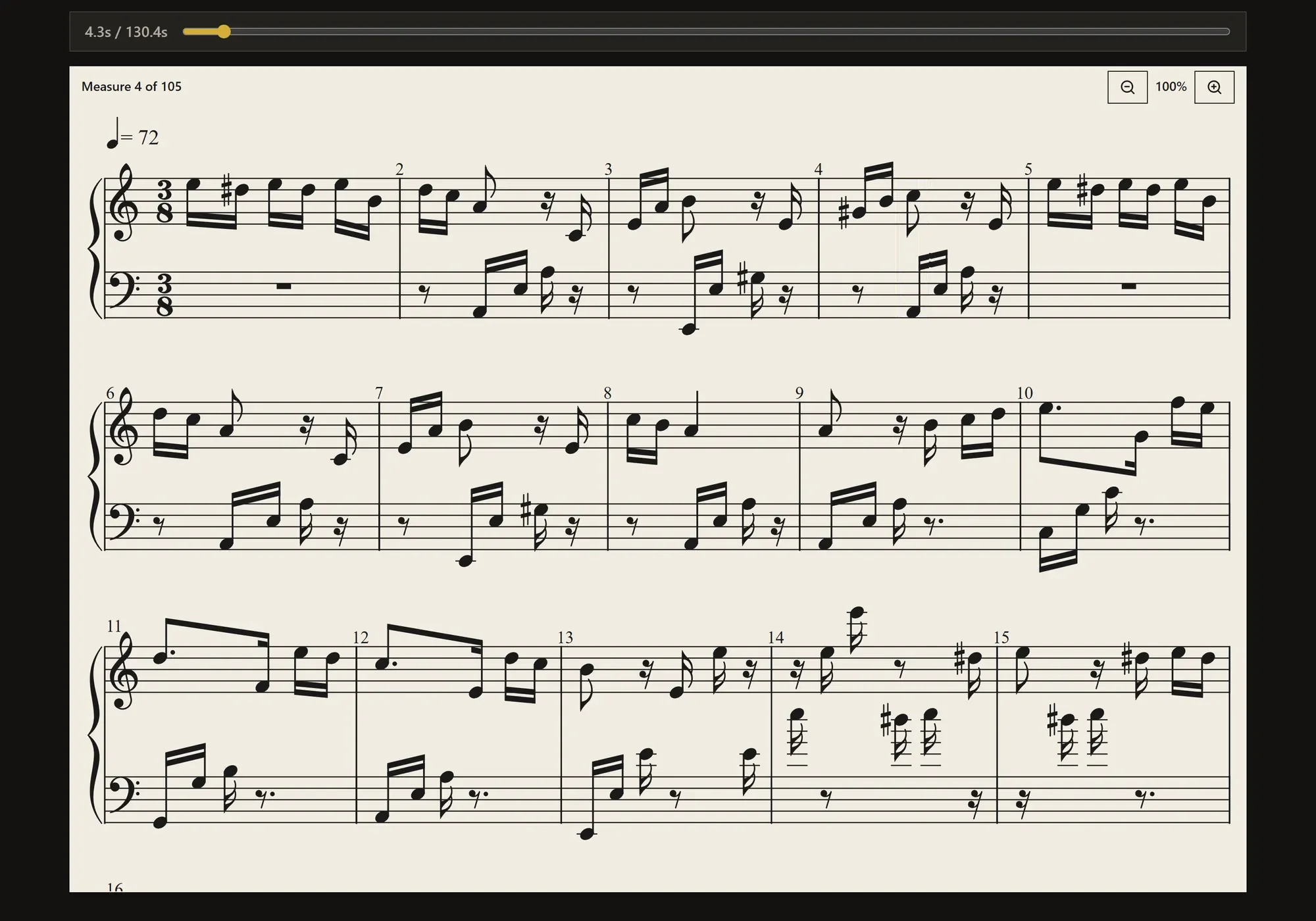
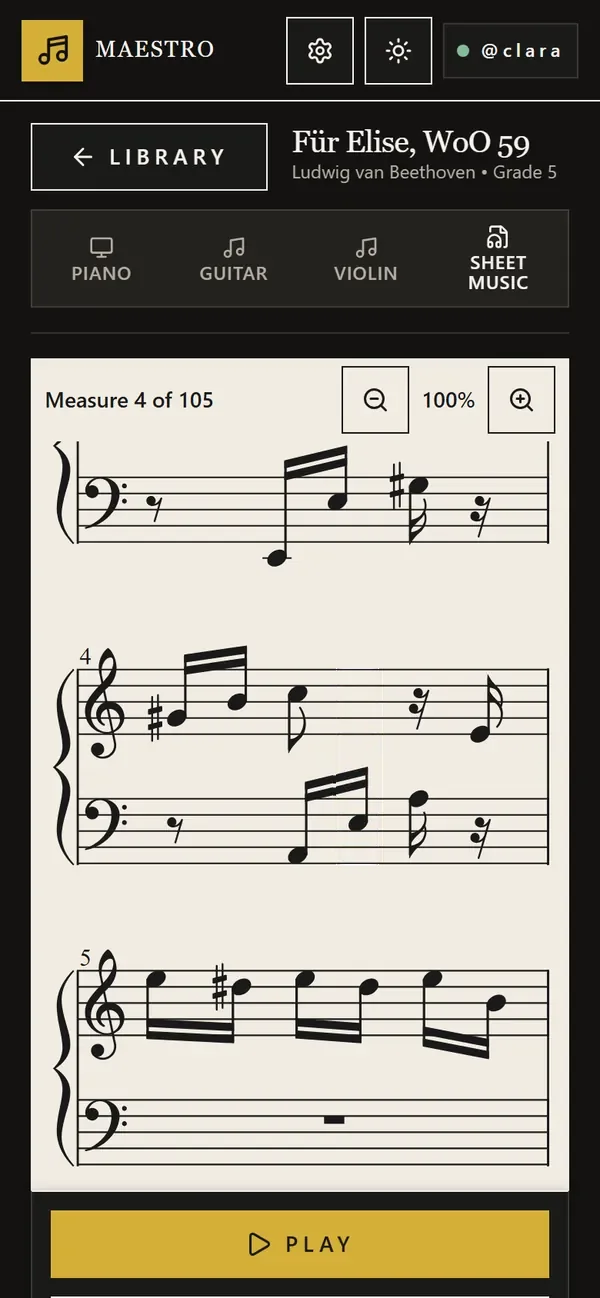
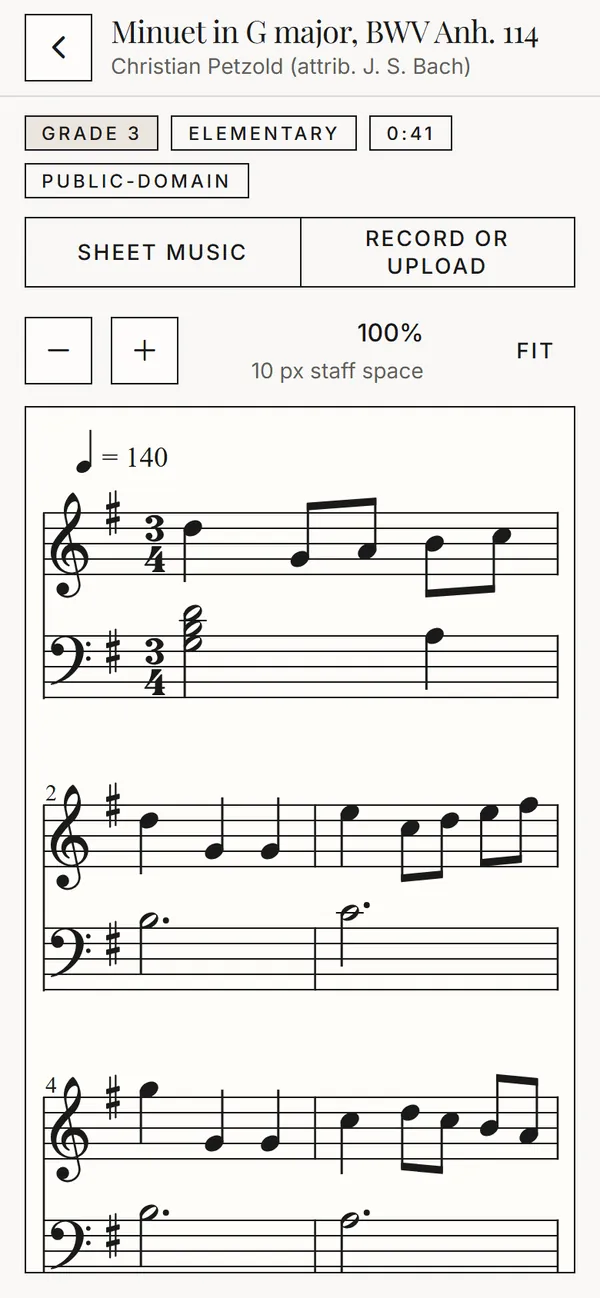
Every piece opens as engraved sheet music. Press play and a cursor moves through the score with the music, turning the page for you, on a laptop or a phone.
- Zoom from 75% to 200% when the notes get small.
- Slow down to half speed, or loop a passage until it sits under your fingers.
- Switch to falling notes for piano, guitar or violin whenever you like.
Rehearse live,at your own pace.
Play along with a microphone or a MIDI keyboard and Maestro answers note by note. You decide whether the music waits for you or keeps going.
The music holds on every note until you play it. Play a wrong one and Maestro tells you what you played and what the score asks for.
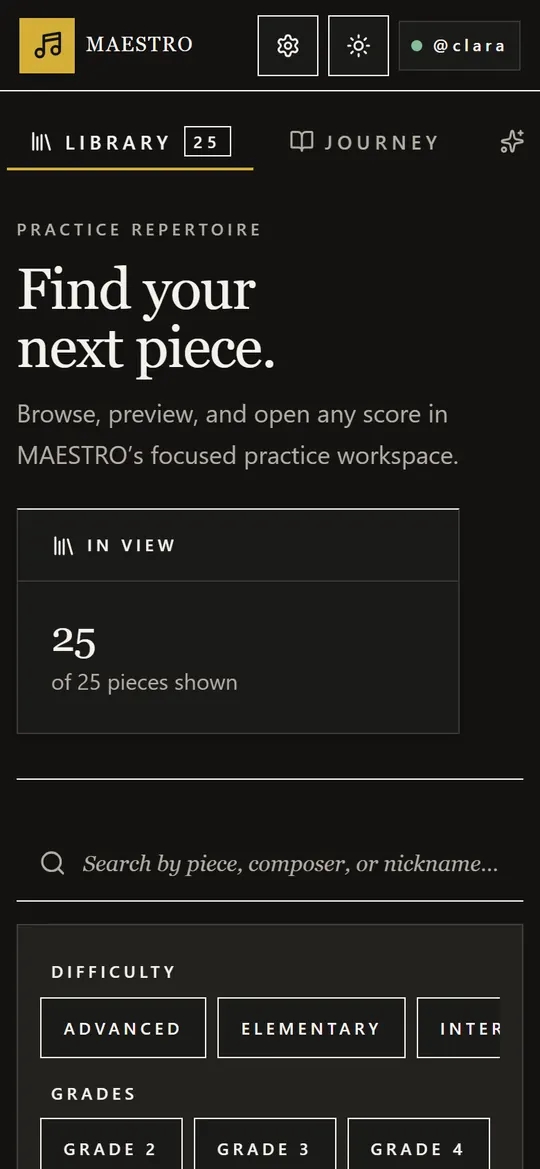
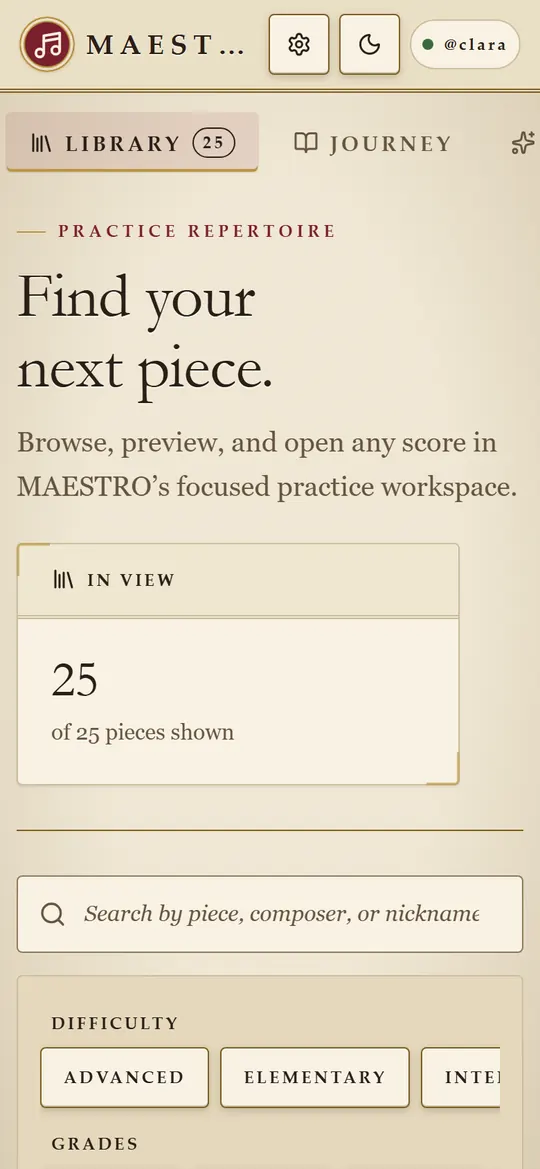
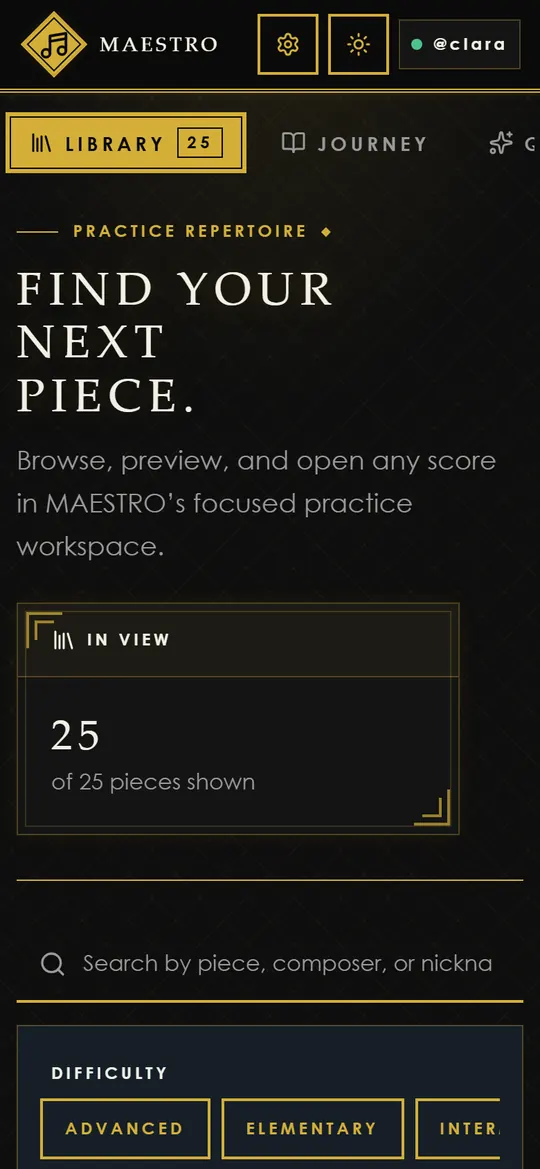
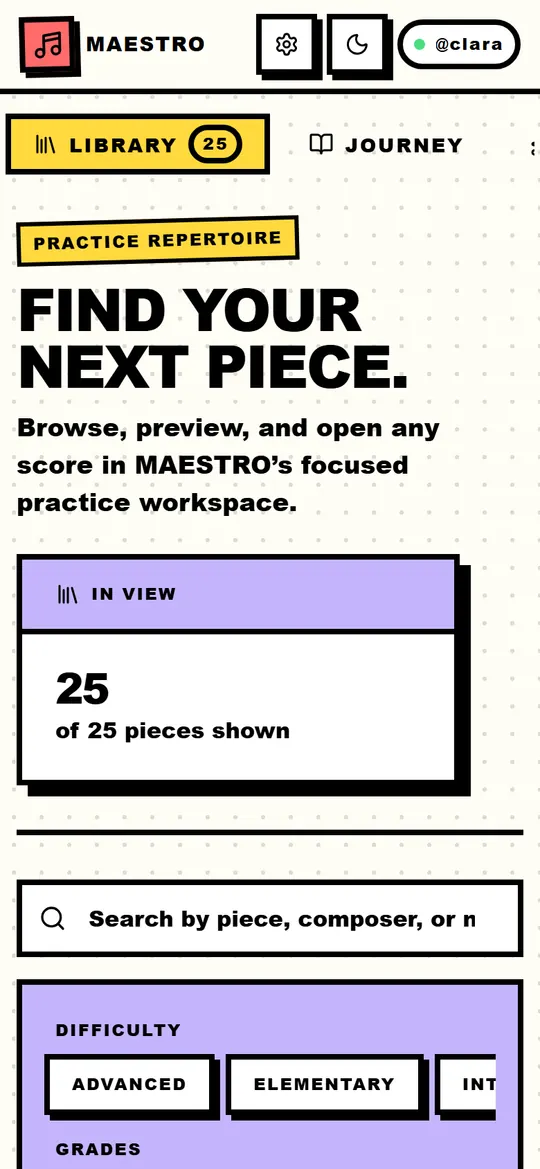
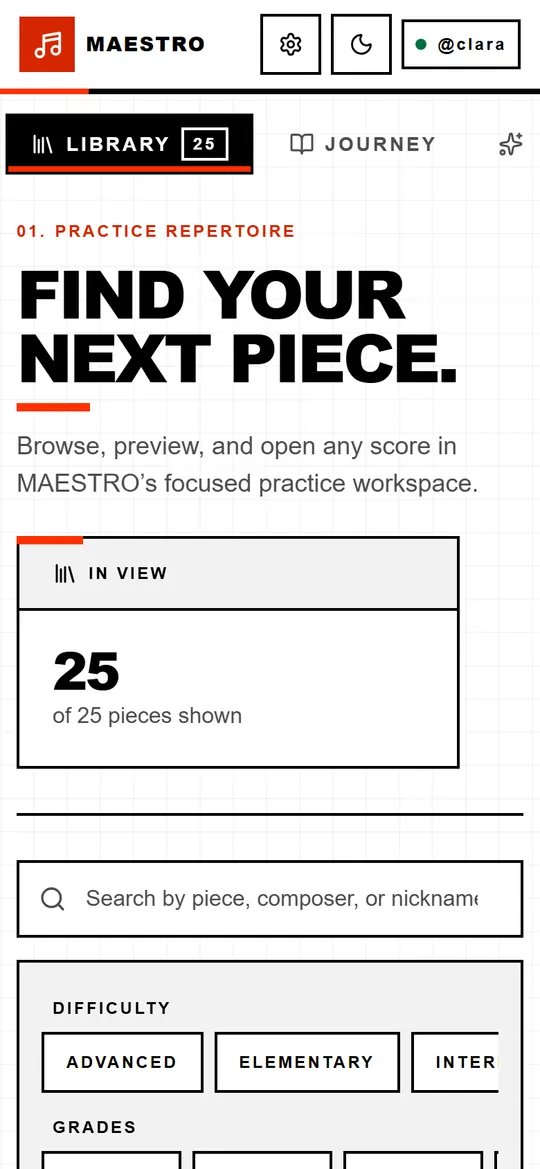
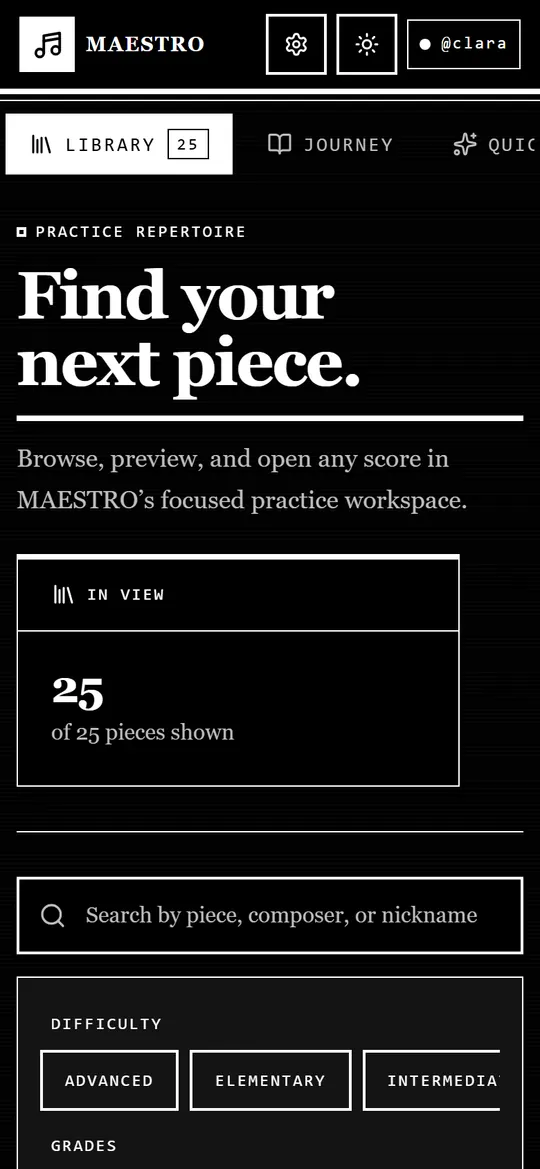
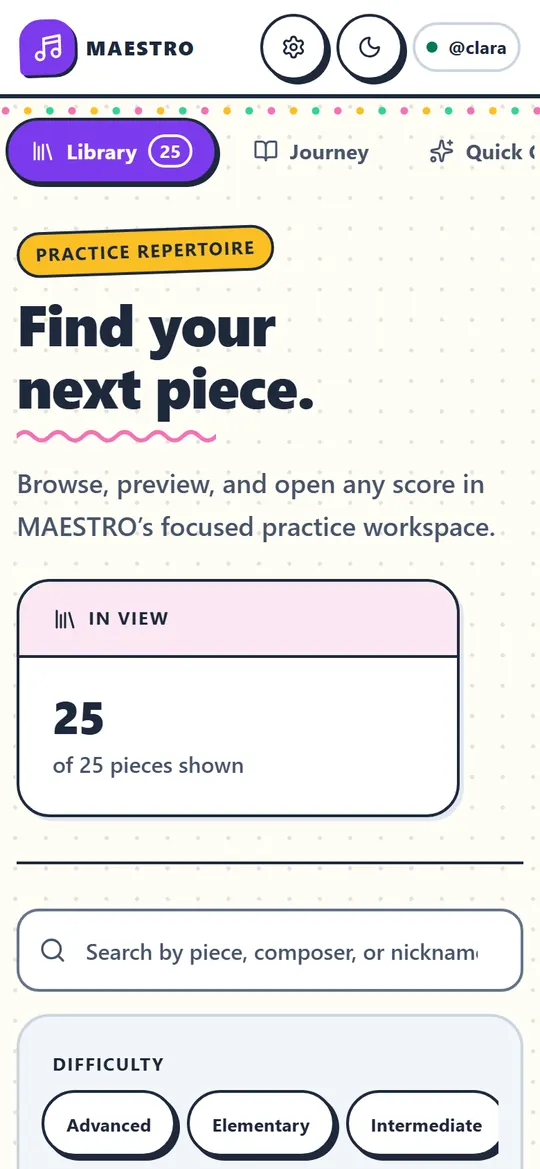
Seven roomsto practise in.
Pick a look the first time you open Maestro and change it whenever you like. Each comes in light and night, and the sheet music always stays on paper.
Band Mode.Count everyone in.
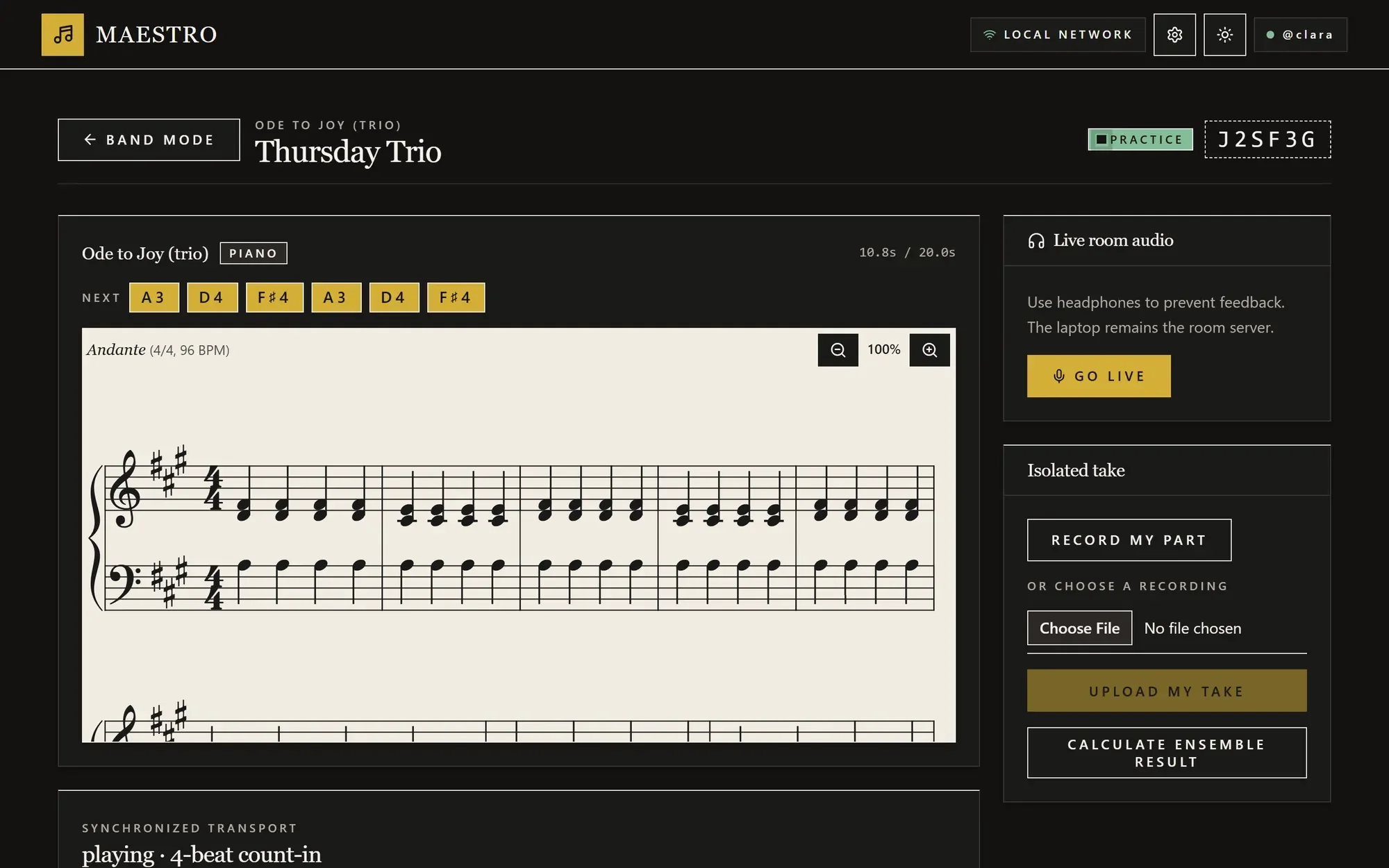
Friends on the same Wi-Fi join a room with a six-character code or a QR code. Everyone claims a part, the leader counts the band in, and every screen keeps the same beat.
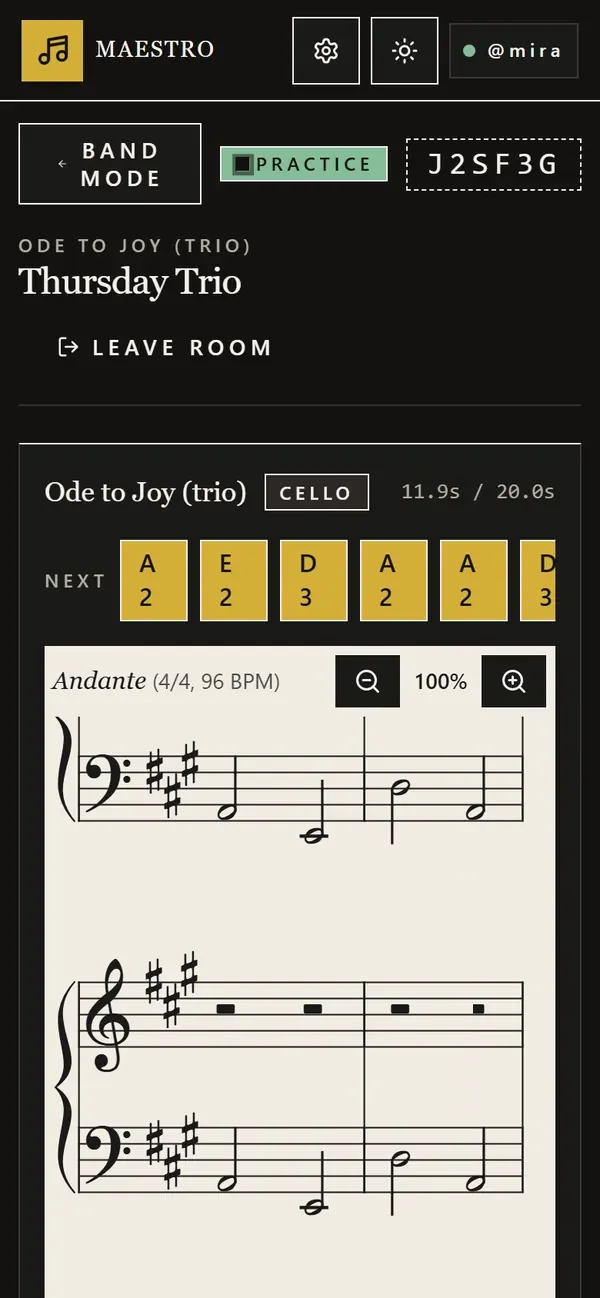
- Clara piano, on a laptop
- Mira cello, on a phone
- Everyone reads their own part: piano, violin, cello, whatever the arrangement has.
- The computer running Maestro hosts the room on your home network.
- When you’re ready, record your part to have it graded on its own, then put the band’s takes together.
Your privatepractice room.
Maestro runs on your own computer, like any app you install. What it hears stays in the room.
- No sign-up
- Pick a username and start playing. No password, no e-mail address.
- Recordings stay home
- Listening and grading happen on your computer. There’s no Maestro cloud to send anything to.
- Works offline
- Pieces, sheet music, sounds and fonts come with the app, so practice doesn’t need the internet.
- No audience
- No ads, no analytics, no tracking.
On your phone, too.
The phone app connects to Maestro on your computer over your home Wi-Fi: choose a piece, follow the sheet music, record a take and read your report. A version that works on the phone alone is being built.
Free admission.Open source.
Maestro is a non-profit project, with nothing to buy and no subscription. Its code is open under the Apache License 2.0, so anyone can read it, change it and share it.
The programme
Twenty-five pieces come with Maestro, in public-domain and CC BY editions from the Mutopia Project. Bring a MIDI file for anything else.
- Christian Petzold, attrib. J. S. Bach
- Minuet in G major, BWV Anh. 114
- Minuet in G minor, BWV Anh. 115
- Anonymous, attrib. J. S. Bach
- Musette in D major, BWV Anh. 126
- Johann Sebastian Bach
- Prelude in C major, BWV 846
- Invention No. 13 in A minor, BWV 784
- Muzio Clementi
- Sonatina in C major, Op. 36 No. 1
- Ludwig van Beethoven
- Für Elise, WoO 59
- Minuet in E-flat major, WoO 82
- Friedrich Kuhlau
- Sonatina in C major, Op. 20 No. 1
- Carl Czerny
- Melodious Study No. 1, Op. 840
- Friedrich Burgmüller
- La Candeur, Op. 100 No. 1
- L'Arabesque, Op. 100 No. 2
- La Pastorale, Op. 100 No. 3
- Innocence, Op. 100 No. 5
- Ballade, Op. 100 No. 15
- Frédéric Chopin
- Prelude in E minor, Op. 28 No. 4
- Prelude in A major, Op. 28 No. 7
- Prelude in C minor, Op. 28 No. 20
- Robert Schumann
- Bittendes Kind, Op. 15 No. 4
- Träumerei, Op. 15 No. 7
- Pyotr Ilyich Tchaikovsky
- Morning Prayer, Op. 39 No. 1
- March of the Wooden Soldiers, Op. 39 No. 5
- Old French Song, Op. 39 No. 16
- Erik Satie
- Gymnopédie No. 1
- Scott Joplin
- The Entertainer
Take your seat.
Maestro is free. A Windows installer is coming soon: it will do the setup for you and add Maestro to your Start menu. Open it and it starts in your browser: pick a style and a username, and play.
Coming soon for Windows
For 64-bit Windows 10 and 11. The installer will set up everything Maestro needs and build the piano model on your computer.